
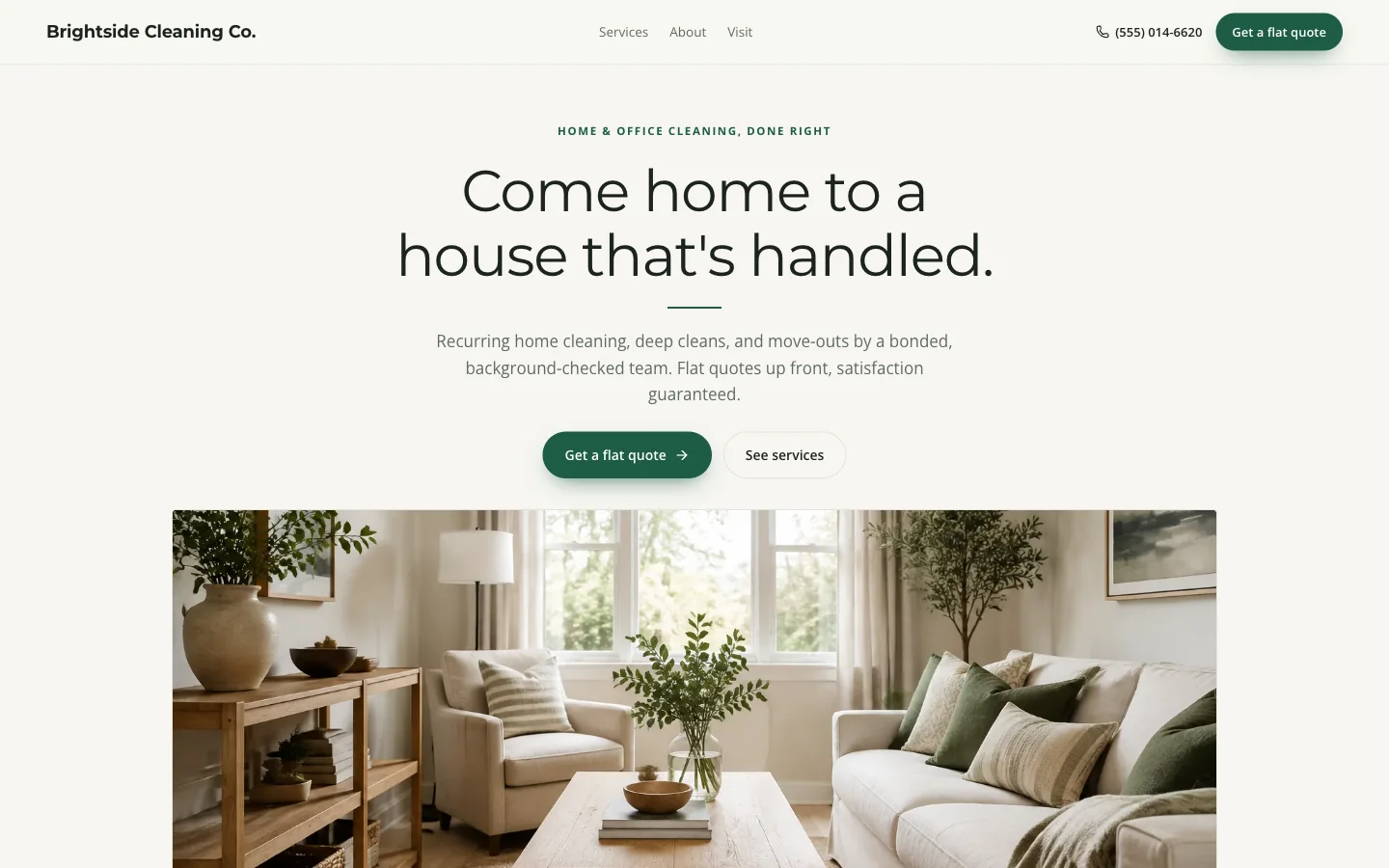
This guide turns those answers into a small, useful website. The examples use our Brightside template, not a client project.
In this guide
Choose the work you want the website to bring in
Separate recurring home cleaning, deep cleaning, move-out work, and small-office cleaning.
- Explain what each includes and what needs a separate estimate.
- If you only clean homes, remove the office example rather than advertising work you do not take.
- A short, accurate service menu is more useful than a long list of keywords.
- For example: “Move-out cleaning for empty apartments and houses.
- Tell us the number of bedrooms and bathrooms, the move date, and whether you need the inside of appliances cleaned.” This is sample wording to adapt, not a promise about your service.
- Only display a starting price if you can explain what changes it.
Make coverage and trust easy to check
List the towns or ZIP codes your crew can actually serve, your contact hours, and how customers should expect a reply.
- If customers cannot visit your home, do not present it as a walk-in location.
- Mention parking or building-access constraints without asking anyone to submit keys, alarm codes, or door codes through the public form.
- Use permissioned photos of your team, equipment, and completed work.
- Describe what a photo shows.
- Replace all example business details before publishing.
- Insurance, bonding, guarantees, and testimonials belong on the page only when they are true for your business; a polished template is not evidence of any of them.
Ask enough to respond, not enough to overwhelm
The current cleaning template has a service selector, preferred date and time, contact details, and a message.
- Its additional questions are service address, which is required, and home size, which is optional.
- Try these exact fields in the preview before creating an account.
- Consider adding frequency and cleaning scope in the editor if they help you assess jobs.
- Keep product preferences, pets, and parking notes short and optional where possible.
- A preferred time is a request for your review, not a reservation.
- The form does not calculate a final cleaning price or create a recurring schedule.
Build the draft and test the whole request
Choose the cleaning template, replace the sample name and services, and inspect the phone layout.
- Save to your account and reopen the draft to check the changes.
- Use your actual contact information in the real site; when practicing in the demo, use fictional details.
- Demo submissions stay in the preview and do not reach a cleaning company.
- Before launch, check the service menu, hours, coverage, photos, search title, and request settings.
- Hosting is $20 per month when activated; a new domain is separate.
- Publication is an explicit step after activation.
- After publishing, test one clearly labeled internal inquiry and verify it reaches the request inbox.
- Review and confirm each real job using your own availability.
Know when a one-page site is not enough
This template fits a business whose main task is explaining services and collecting requests.
- If you need separate location pages, staff calendars, recurring billing, deposits, or a customer portal, scope those requirements before purchasing.
- Changing the template copy does not add them.
- Start measurement with useful inquiries and the jobs you actually accept, not page views alone.
- Keep the site updated as your service area or offering changes.
- There is no promised Google position or customer count; your original information, service quality, and follow-through still matter.
Industry fields in the current template
These are the actual additional questions, alongside the standard service, timing and contact controls. You can change the questions in the editor.
- Service address
- Required
- Home size
- Optional
Try the real preview form using fictional details. Demo requests are not sent.
Review the cleaning services website template for its included sections, request fields, and publication price before starting your draft.
Prepare your cleaning website
Work through the list here or download it. No email required. Checks stay in this open page only; they do not change your website or mark its launch requirements complete.
0 of 9 reviewed
Try a working template first
Try a complete template, explore its services and request form, and carry your design choices into a free draft.
Try this template