
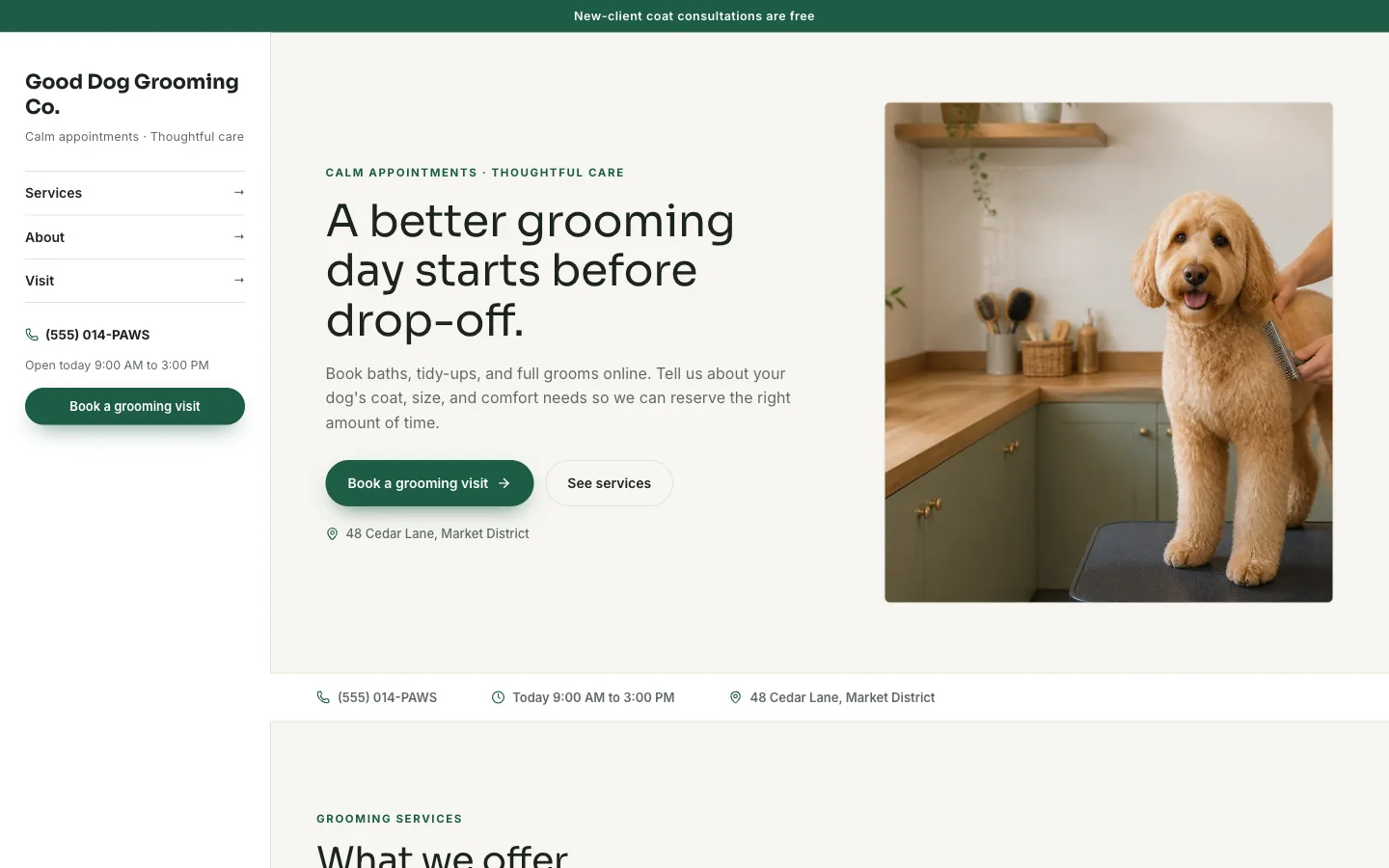
SYSTALOG connects the service menu to a request form and a management portal, so a visitor can move from reading about your business to asking for a visit on the same page.
In this guide
Choose the action that fits your business
A salon client asks for a service and a preferred appointment time.
- A homeowner asks for an estimate.
- A couple asks to tour a venue.
- These are different decisions, so start from a template that asks for the right context instead of forcing every visitor through an identical contact box.
- The grooming template collects pet details; the repair-shop template asks about the vehicle; the venue template asks about the event date and guest count.
- Edit service names and instructions to reflect your own operation.
- Keep the main action specific, such as Request an estimate or Request a tour.
A preferred time still needs confirmation
Visitors choose a service and request a preferred time within your displayed opening hours.
- That time is not reserved automatically.
- Your team checks its actual schedule and then confirms or declines the request.
- This lets you review the job before committing staff, a table, or an appointment.
- Put that expectation beside the form.
- Customers should know whether to wait for a reply, call about something urgent, or provide another date.
- Update hours when your availability changes and only promise a response time your team can consistently meet.
Keep follow-up connected to the website
The booking workspace brings requests, customer contact information, status, assignments, and private notes into the owner portal.
- Staff can review the request before responding and keep track of the next step.
- Your public page continues to show services and prices while the team works on the inquiry privately.
- A useful daily routine is to review new requests, check capacity, assign a teammate if needed, and record the decision.
- The form improves intake; it does not replace the person responsible for answering.
- Confirm that the contact details shown on your site reach that person.
Know when you need a scheduling system
This plan does not include live calendar availability, calendar synchronization, automatic reminders, recurring reservations, class-capacity management, or customer payments.
- If those are essential, outline the workflow for a separate custom software quote before choosing the template plan.
- For a practice or professional firm, keep an ordinary request form limited to administrative contact details.
- Use a separately scoped secure system for sensitive records or documents.
- A focused, short request is easier for a customer to complete and easier for your team to act on.
Try the workflow in the cleaning quote-form checklist or mobile-detailing vehicle intake.
Try a working template first
Try a complete template, explore its services and request form, and carry your design choices into a free draft.
Try this template