
SYSTALOG provides editable search titles, descriptions, a preferred public address, and a sitemap for published sites. Your job is to make the business information accurate, specific, and useful.
In this guide
Replace the template with firsthand detail
Write a headline that names your service and tells the visitor why the page is relevant.
- Describe the work you actually do, the people you serve, and the next step.
- Replace the sample business name, contact details, prices, hours, and history before launch.
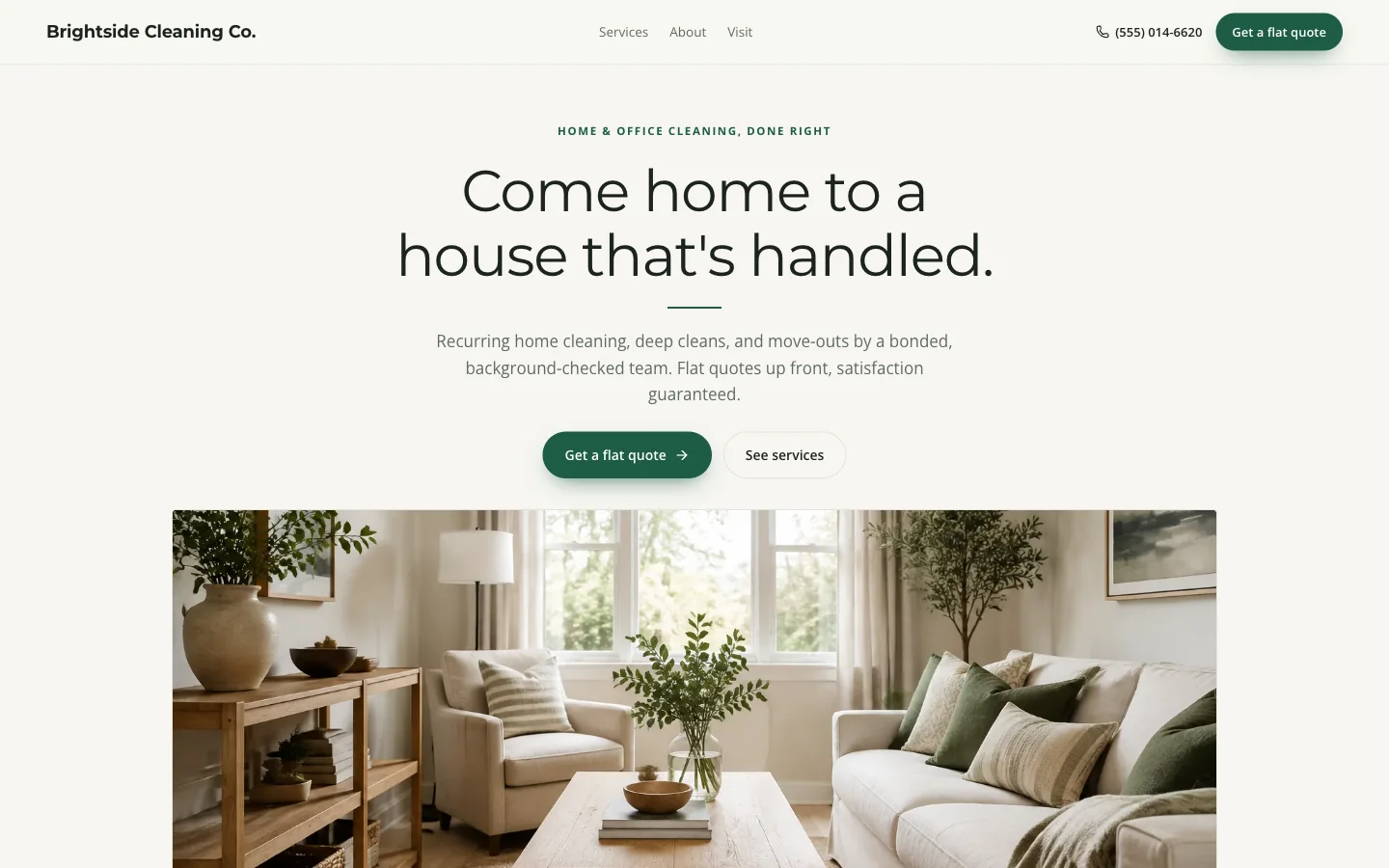
- Use original photos of your work or premises when you have permission to publish them.
- Explain what the photos show.
- A cleaner can describe a move-out checklist; a contractor can explain project scope; a venue can name capacity and tour arrangements.
- These details help a customer choose and make the page more distinctive.
Write a useful title and description
Open Search settings in the website editor.
- Use a concise title combining your main service, business name, and location when it genuinely matters.
- A title such as House Cleaning in Tacoma | Cedar Home Care is clearer than a list of repeated keywords.
- Write a description explaining the offer and next action in one or two sentences.
- The editor shows an illustrative search result before you publish.
- Google can choose different title text or snippets, so treat the preview as a writing aid rather than a promise about the exact result.
Make local information consistent
Use the same public business name, phone, opening hours, and service area across your website and business listings.
- A business visiting customers can describe the area it serves without publishing a private home address.
- Do not invent offices or list places you cannot actually serve.
- If your business is eligible for a Google Business Profile, maintain it with accurate categories, hours, photos, and your website address.
- The profile and website support different parts of discovery.
- Links from real partners and community organizations can also help people find you; focus on relevant relationships.
Publish, inspect, and improve from evidence
Review the launch checklist, preview the page on a phone, and make sure the search-visibility setting does not request noindex when you want discovery.
- Save the draft and explicitly publish it.
- Then open the public address, follow the contact action, and check the public sitemap.
- Verify your site in Google Search Console and submit its sitemap.
- Watch the queries and pages that earn impressions, then improve the information those visitors need.
- Indexing and rankings are controlled by Google and take time.
- More pages only help when they answer distinct questions; choose custom development if your business needs separate, substantial service pages.
Further reading: Google’s SEO Starter Guide and people-first content guidance.
Try a working template first
Try a complete template, explore its services and request form, and carry your design choices into a free draft.
Try this template