
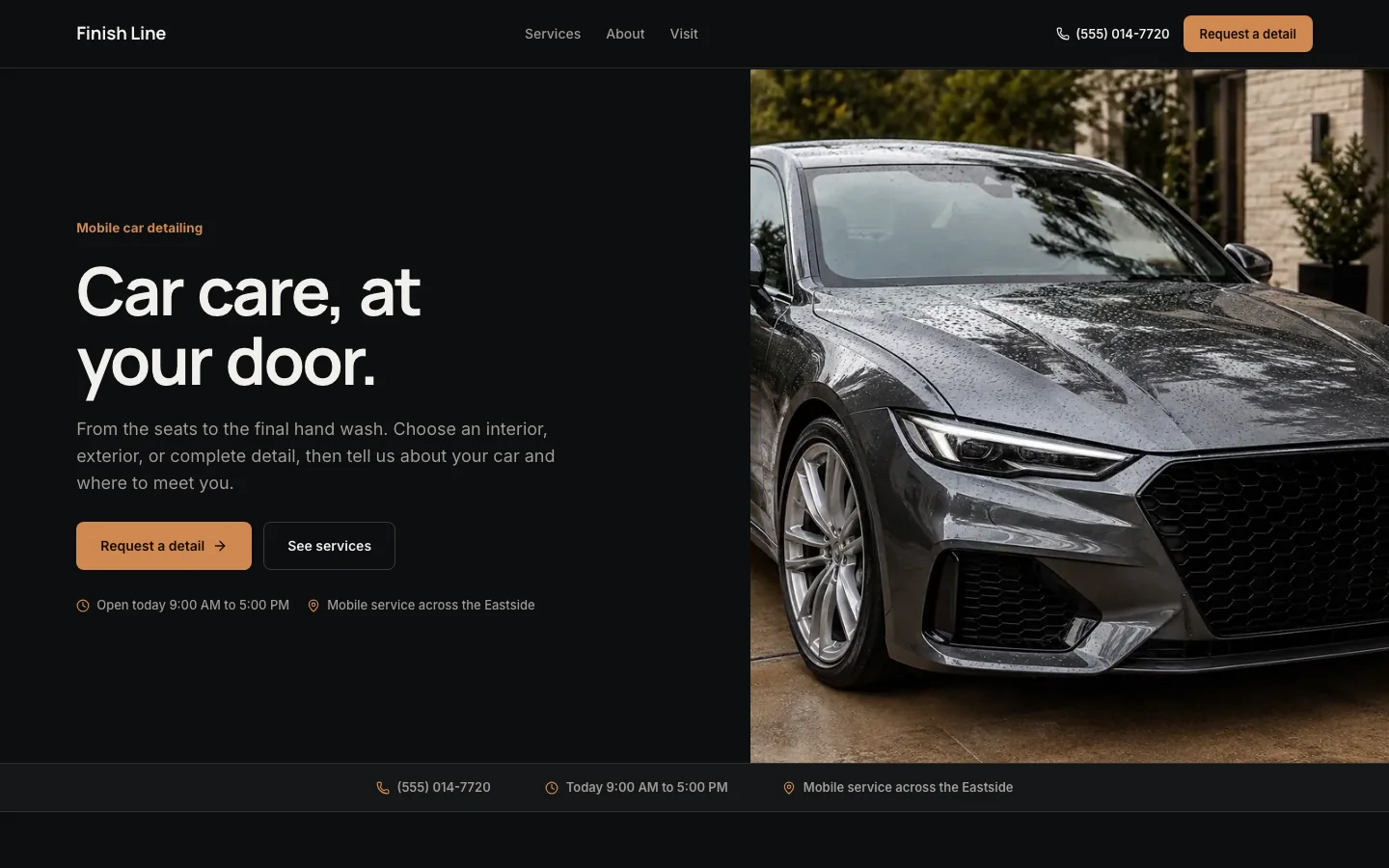
Customers need to compare the work, check whether you travel to them, and describe their vehicle. Here is a working example and three ways to plan the content. These are illustrative use cases, not three delivered customer sites.
In this guide
Example 1: a mobile detailer taking local inquiries
Our Finish Line preview separates interior, exterior, and complete detailing, then asks about the vehicle and where the work will happen.
- Open the actual preview to inspect the service menu and request form.
- The photography and business name are illustrative; replace them with your own work and identity.
- A useful service description names the work and its limits.
- For example: “Interior detail: vacuuming, surfaces and mats.
- Tell us about pet hair or stains so we can confirm scope and price.” Adapt this sample to what you actually provide.
- Do not promise every stain will disappear or quote a universal price without considering condition.
Example 2: a shop where customers bring the vehicle
A fixed-location shop needs different first questions: where to arrive, when drop-off is possible, and whether the vehicle must stay.
- Our auto-repair template is another editable starting point, not a dedicated ceramic-coating system.
- Compare its drop-off workflow with the mobile-detailing preview before choosing.
- If you offer paint correction or coatings, explain inspection requirements, preparation, and what any warranty actually covers.
- Use permissioned before-and-after photos with comparable framing and honest captions.
- Customers should understand when an inspection is needed before a final quote; the website should not imply an automated assessment of paint condition.
Example 3: fleet work that starts with a conversation
A fleet inquiry needs vehicle count, vehicle types, location, frequency, and a contact who can arrange access.
- Those are proposed questions you can add to the editor, not fields that the default mobile template silently includes.
- A short inquiry is enough to begin a site visit or discussion.
- A request form is not a fleet dispatch system.
- Route optimization, recurring schedules, account billing, and deposits require a separate workflow.
- State what happens after an inquiry and who confirms timing.
- Only advertise capacity, turnaround times, or areas your team can actually support.
Check the fields in the working mobile template
Alongside contact details, service and preferred timing, the template requires vehicle year, make and model; service town or neighborhood; and water, power, parking and condition notes.
- These help your team decide whether the setup works before agreeing to an arrival window.
- You can edit the questions to match your equipment.
- Try the demo using fictional information.
- It shows a demonstration completion without sending an inquiry or creating a booking.
- On a published site, your team reviews the real request in the portal.
- The template does not collect customer payments, reserve live calendar capacity, or calculate travel fees.
Turn the example into your own site
Choose the mobile or shop starting point, edit packages and coverage, replace the photos, and save the draft to your account.
- Review the mobile layout before selecting your address.
- Building and previewing are free; website hosting is $20 per month when activated, with new domain registration separate.
- Publishing remains a deliberate final action.
- Use the checklist below to prepare your content.
- Keep a record of which inquiries become suitable jobs and which need information the form did not collect.
- Improve those questions from actual conversations.
- Do not present these examples as proof of traffic growth or use invented reviews to make the page look established.
Industry fields in the current template
These are the actual additional questions, alongside the standard service, timing and contact controls. You can change the questions in the editor.
- Vehicle year, make, and model
- Required
- Service town or neighborhood
- Required
- Water, power, parking, and condition notes
- Required
Try the real preview form using fictional details. Demo requests are not sent.
Compare the working mobile-detailing preview and shop drop-off preview, then review the mobile-detailing website template for its included sections, request fields, and pricing. Fleet intake above is a proposed customization, not a separate shipped template.
Prepare your detailing website
Work through the list here or download it. No email required. Checks stay in this open page only; they do not change your website or mark its launch requirements complete.
0 of 9 reviewed
Try a working template first
Try a complete template, explore its services and request form, and carry your design choices into a free draft.
Try this template