Operations software

Replace the spreadsheet
everyone is afraid to touch.

Turn scattered sheets, paper notes, and repeat data entry into one simple system your team can use from a phone or computer.
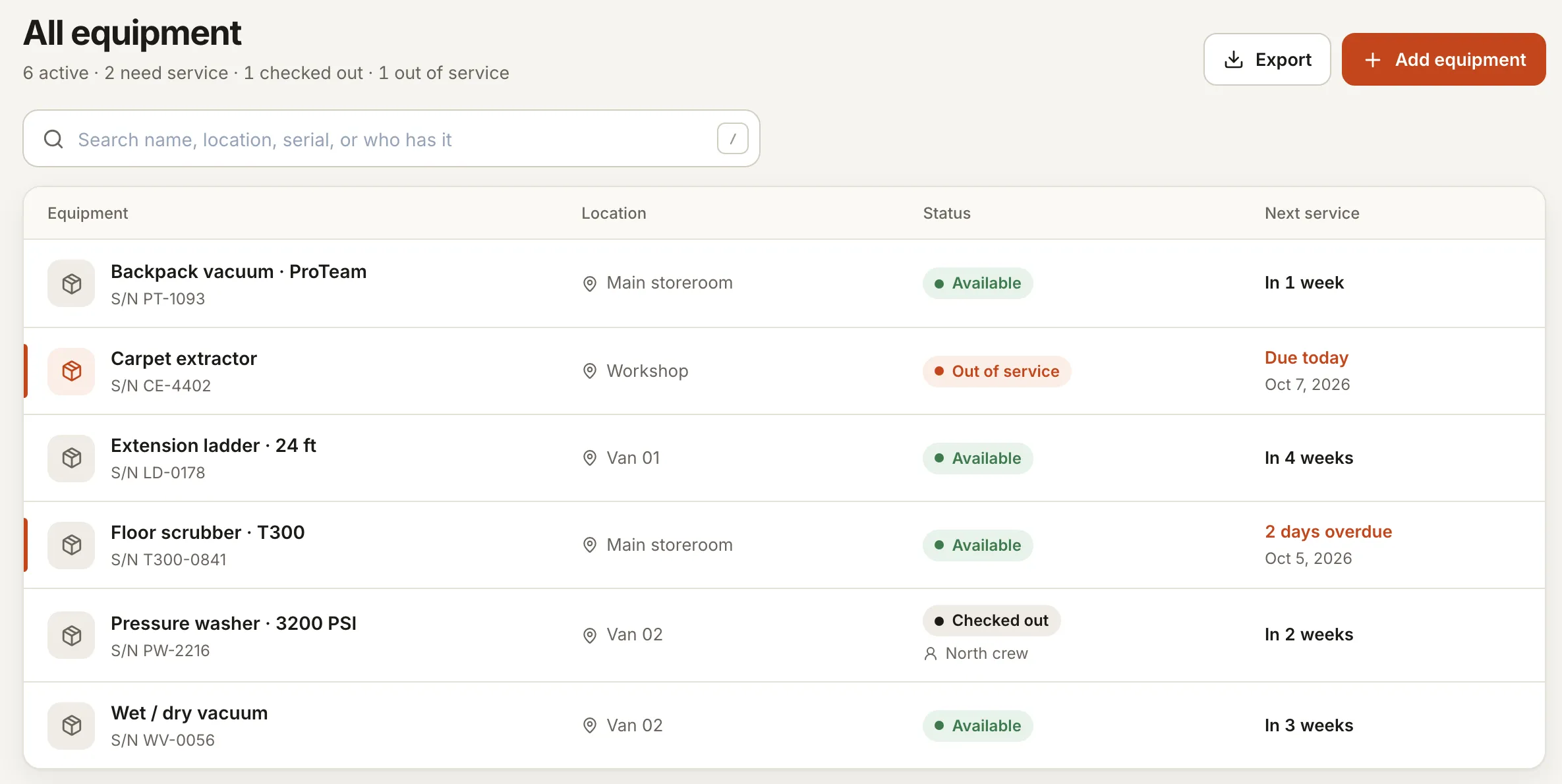
The plain answer

We begin with the one workflow causing the most rework—jobs, inventory, customer records, scheduling, or reporting—and build a focused tool around it. Existing spreadsheet data can usually be imported.

Typical build$350–$850Flat setup estimate
Keep it running$35–$60/moHosting, updates, support
Typical launch2–4 weeksAfter scope approval
Signs the spreadsheet has become the problem

The problem should be obvious before the software starts.

These are the practical signals we look for. If none sound familiar, you probably do not need a custom build yet.

01

Multiple versions

Nobody knows which file is current, so decisions are made from old information.

02

Repeat typing

The same customer, job, or stock data gets copied into several places.

03

One-person knowledge

The system only works because one employee remembers every exception.

What the first version includes

Small enough to ship. Useful enough to matter.

We keep the first build focused on the work that pays back time, prevents mistakes, or makes it easier for a customer to buy.

  • One source of truthCurrent records in one searchable place with a clear history.
  • Simple formsStaff enter only what is needed, with validation that prevents common mistakes.
  • Useful alertsLow stock, overdue work, missing documents, or follow-ups surface automatically.
  • Owner dashboardSee what is moving, stuck, late, or costing money without rebuilding a report.
Is this worth building?

A quick fit check.

Probably a good fit

  • The same sheet is used every day
  • Errors or duplicate work cost real time
  • Your team can explain the current workflow

Probably not yet

  • A normal spreadsheet still works well
  • The process changes completely every week
  • There is no agreed way the work should flow

Not sure which side you are on?

Answer five short questions. We will estimate the time being lost and show the smallest sensible starting point.

Common questions

Short answers, before you reach out.

Do we lose our old data?

No. We map the useful columns, clean obvious issues with you, and import the records the new system needs.

Can staff still export to Excel?

Yes. Your data remains yours, and practical exports can be included in the scope.

Do we need to replace everything at once?

No. Starting with the costliest workflow is usually safer, faster, and more affordable.