
1. Download
Download the installer for your computer and open it.
The desktop app opens the same K9Codex workspace you use on the web and iPhone, in its own window. Install it, sign in with your existing account, and your dogs, training logs, and reports are there. The Mac version is available now; the Windows installer is not published yet.
The Windows installer is not published yet. This page will link it as soon as it is.
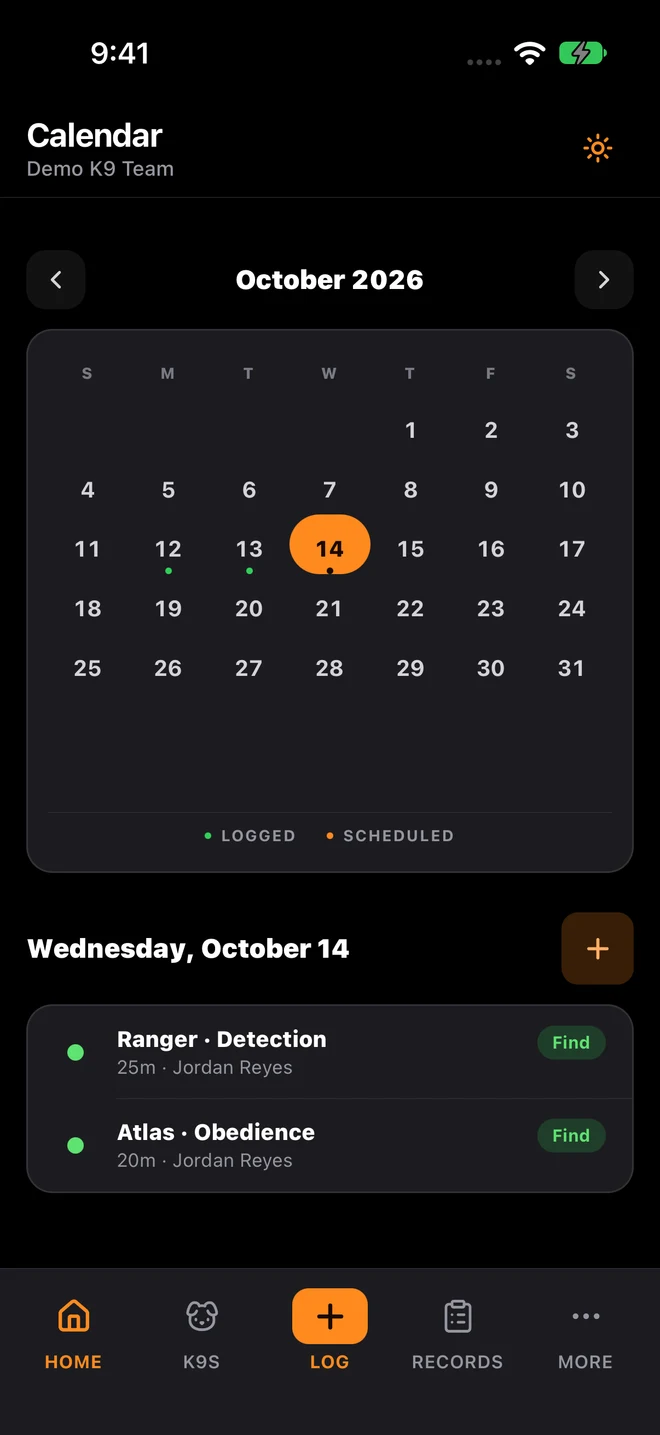
Download the installer for your computer and open it.
Use the same K9Codex account you use on the web or iPhone.
Your organization's records open right away. If your workspace has no subscription yet, the app offers checkout ($10 per seat a month).
The desktop app is for handlers, trainers, supervisors, and administrators who already use K9Codex or are creating an account. Your signed-in account determines which organization and records you can access; installing the app does not bypass an organization role or create a second copy of your data.
Sign in with the same K9Codex credentials you use elsewhere. Existing organization membership, assigned permissions, dogs, and available training records remain connected to that account.
Independent trainers can create their own workspace. Team users can create an organization or join one through the invitation path provided by an authorized administrator.
Use the account assigned to you and sign out on shared computers. Organization owners control team membership; the public download alone grants no access to a department or customer workspace.
Download only from this SYSTALOG page and use the installer that matches your operating system. macOS may ask you to confirm the downloaded application the first time it opens. Windows availability is shown only when a real installer is published; a missing installer is labeled coming soon rather than replaced with an unrelated file. Before using a shared workstation, confirm the computer follows your organization's access and device policy. Future releases appear on this page with the published version and update date, so your team has one source for the current desktop package. Changes to K9Codex are listed in the SYSTALOG release notes.
K9Codex also runs in the browser with the same records. Sign in on the web, create an account, or read how K9Codex works first.